
If you’re over 50 and feel late to online income, you’re not alone. A lot of smart people reach this point and think, “I missed the boat.” The truth is, you didn’t. You just need a plan that fits real life. Such as Pinterest for Affiliate Marketing Beginners .
Pinterest for affiliate marketing works best when you treat Pinterest like a search and discovery tool, not a fast cash trick. It can send steady traffic, but it takes time to build momentum.
Here’s a lesson many beginners learn the hard way (and some marketers prefer you never learn): most people struggle for years because nobody makes them stick to the basics. Pick one niche, solve one clear problem, and track what actually works. This guide keeps it beginner-friendly, calm, and low-tech.
Key takeaways (read this before you set up anything)

- Pinterest works more like a visual search engine than a social app.
- Pick one niche and one main offer before you make pins.
- Helpful content builds trust, trust leads to clicks, and clicks lead to sales.
- Use a simple path: pin to a page, page to email list, email to offer.
- Consistent pinning beats perfection, especially on a new account.
- Follow affiliate rules, and always use clear disclosures on your pages.
- Track clicks and saves monthly, don’t guess what’s “working.”
- Give it 60 to 90 days to see patterns, not just random spikes.
- Focus on one platform until it works, then add more later.
Start with the right foundation so you do not waste months
Most beginners don’t fail because they’re “bad at tech.” They fail because they bounce. One week it’s keto recipes, next week it’s retirement investing, then it’s dog toys. Pinterest can’t figure out what you’re about, and neither can your readers.
A better approach feels boring at first, but it saves months: choose a niche, choose an audience, choose an offer, and decide how you’ll track results. That’s the part many gurus skip because it’s not flashy. It’s also the part that makes affiliate income possible.
Pinterest rewards clarity. When your boards, pins, and pages all point to one problem, Pinterest has an easier time showing your content to the right people. If you want more context on how Pinterest affiliate marketing works in 2026 (including common mistakes), Shopify’s overview is a useful starting point: Shopify’s Pinterest affiliate marketing guide.
Pick one niche you can stick with and one clear person you help

Start with topics that naturally fit an over-50 audience and have lots of “how-to” searches:
Budget travel, arthritis-friendly fitness, easy home cooking, downsizing, grandparent gifts, small-space gardening, retirement budgeting, simple home organization.
To keep your niche from being too broad, use this quick filter:
- Problem: What’s the main struggle (pain, cost, confusion, time)?
- Promise: What result do you help them get?
- Proof you can learn it: Do you have experience, or can you commit to learning?
- Products exist: Are there real tools, supplies, or courses to recommend?
- Not too broad: “Healthy living” is huge. “Low-impact workouts for knee pain” is clear.
If you need ideas, it helps to scan curated lists of Pinterest-friendly niches, then narrow down to one “lane.” This ClickBank post can spark ideas: Pinterest niche examples for affiliates.
Choose affiliate programs that fit Pinterest and beginners
You don’t need 12 affiliate programs. You need one or two that match your niche and are easy to use.
Beginner-friendly options often include Amazon (with strict rules), and networks like ShareASale, Impact, and CJ. Some creators also do well with Etsy-style products, depending on the program’s terms, plus digital products and courses that can pay higher commissions.
Before you apply, check these basics:
- cookie length (how long you get credit after a click)
- payout threshold (when they pay you)
- refund policy (refunds can reduce commissions)
- promo rules (some ban email, some restrict coupon wording)
- whether direct linking from Pinterest is allowed (rules vary)
To compare programs quickly, this table helps you think like a business owner, not a collector of links:
| What to check | Why it matters | Beginner-friendly target |
|---|---|---|
| Cookie length | More time for readers to decide | Longer is usually easier |
| Payout threshold | Cash flow, motivation | Lower is better early on |
| Promo rules | Avoid account issues | Clear rules, easy compliance |
| Reporting | Know what converts | Simple dashboards, exportable reports |
| Allowed traffic sources | Pinterest-friendly terms | Pinterest allowed, plus websites |
If you want a larger list of program ideas to test later, Tailwind’s overview is a good reference: how to choose affiliate programs for Pinterest.
Set up your Pinterest account the beginner way (without tech headaches)
Pinterest setup doesn’t need to be complicated. Still, the small details matter because they help Pinterest understand your topic and help real people trust you.
First, use a business account. It unlocks analytics and makes your account look more “official.” Next, make your profile plain and clear. You’re not trying to impress anyone, you’re trying to be understood.
Also, design for readability. Many Pinterest users are on phones, and many over-50 creators prefer clean visuals. Use larger fonts in pins, strong contrast, and simple wording. If someone has to squint, they scroll past.
If you want a step-by-step walkthrough for switching to a business account and claiming your website, this guide is helpful: how to set up a Pinterest business account.
Profile and boards that help Pinterest understand your topic
Do these steps once, then move on to content:
Convert to a business account (or start one), claim your website if you have one, and set a profile name that matches your niche. Your display name can include a simple keyword, like “Simple Garden Ideas” or “Retirement Budget Meals.”
Then create 5 to 8 boards based on problems people search for. Boards work best when they sound like search phrases, not cute titles.
Examples:
- “Low-Impact Workouts for Seniors”
- “Easy Meals for Two”
- “Small Backyard Gardening”
- “Carry-On Packing Tips”
- “Downsizing and Decluttering”
Write board descriptions in plain language. Mention who the board helps and what they’ll find. Board covers are optional, but they can make your account easier to scan.
Pins that get clicks: simple design, strong words, clear promise

A pin is like a book cover. People decide in a second if it’s for them.
Use a repeatable formula: keyword + benefit + specific outcome
A few templates you can copy (and adjust):
- “Retirement Budget Meals: 7 Dinners Under $10”
- “Low-Impact Cardio: 10 Minutes a Day for Beginners”
- “Carry-On Packing List: Fit 5 Outfits in One Bag”
- “Small-Space Garden Plan: What to Plant This Month”
Keep pins vertical (Pinterest prefers tall images), use 2 to 4 colors, and stick to one idea per pin. Add a gentle call to action like “Read the guide” or “Get the checklist.”
One more tip: create multiple pins for the same page over time, but don’t post the same link back-to-back all day. Spread it out so your account looks natural.
How to turn Pinterest traffic into affiliate income (the honest beginner funnel)
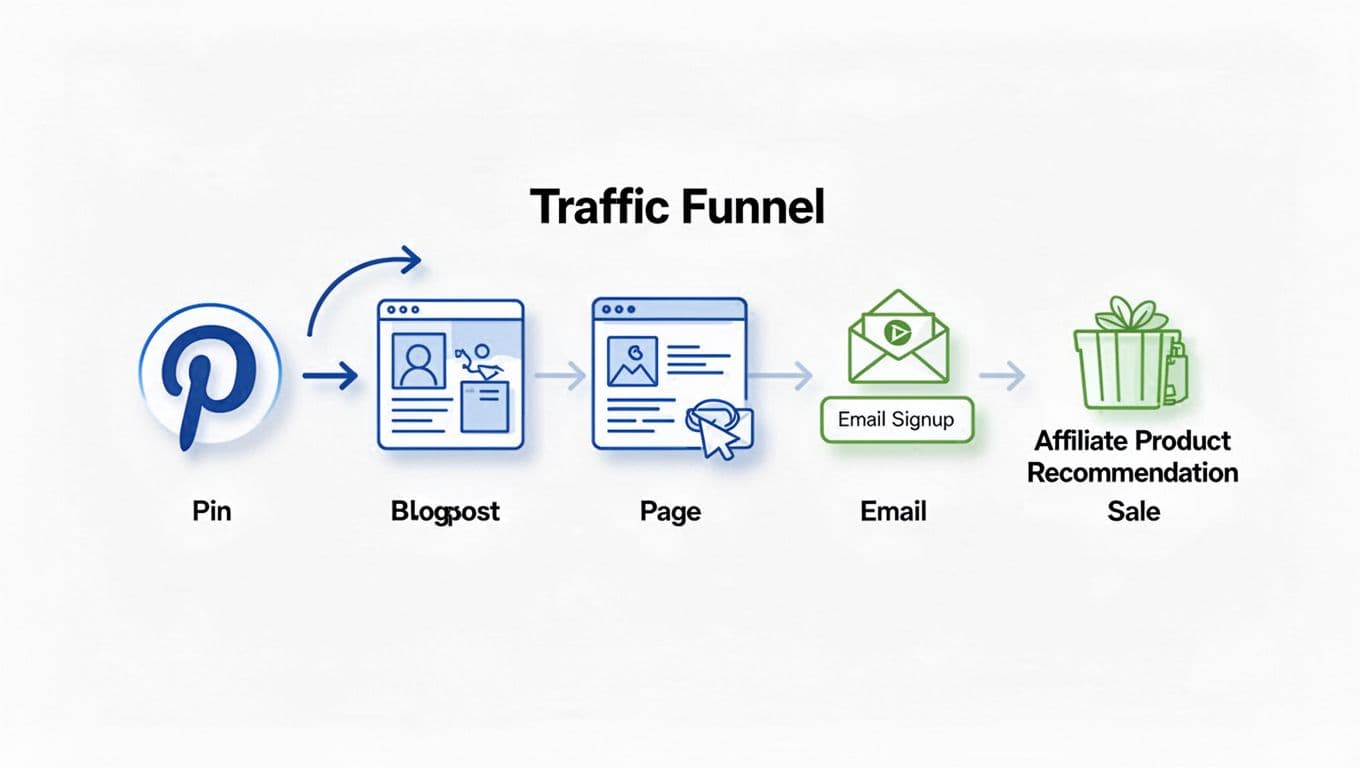
Pinterest can bring traffic, but traffic alone doesn’t pay the bills. The money comes from matching the right solution to the right person, then measuring what converts.
A simple funnel looks like this:
Pin, helpful page, optional email list, then affiliate recommendation.
That path protects your account, builds trust, and gives you control. It also helps you avoid the trap many beginners fall into: posting links everywhere and hoping someone buys.
The “secret” isn’t more links. It’s more alignment between the search, the page, and the product.
If you want extra perspective on Pinterest affiliate workflows and what’s changed recently, this updated guide offers a broad look: Pinterest affiliate marketing guide for 2026.
The safest link strategy: pin to your own page first
Beginners often ask, “Can I pin affiliate links directly?” Sometimes yes, but it depends on the affiliate program and Pinterest’s rules. Even when it’s allowed, sending people to your own page first is usually safer and easier to improve.
Why it helps:
- You control the message and the layout.
- You can add a clear affiliate disclosure.
- You can collect email subscribers (optional, but useful).
- You can update links without remaking pins.
A basic page structure works well:
- quick intro and who it’s for
- the problem and why it matters
- simple steps or tips
- product recommendations with pros and cons
- disclosure
- one next step (download, email signup, or related post)
Create content that sells without sounding salesy
Pinterest users want ideas that save time, money, or stress. When your content helps first, the affiliate link feels like a natural next step.
Content types that do well:
- checklists and printables
- beginner guides
- comparisons (“X vs Y for seniors”)
- “best of” lists (with honest pros and cons)
- mistakes to avoid
- budget-friendly options
For over-50 readers, real-life use cases matter. Instead of “best blender,” try “best blender for smoothies when you have sore hands.” That angle earns clicks because it respects the person’s situation.
Your first 30 days plan, plus tracking, rules, and FAQs
This is where most people either build momentum or fade out. A simple plan keeps you moving, even on busy days.
Also, expect a warm-up period. Pinterest often needs weeks to understand your content. In addition, your pins may get slow traction, then suddenly pick up later. That’s normal.
A simple 30 day schedule you can follow in 20 to 30 minutes a day
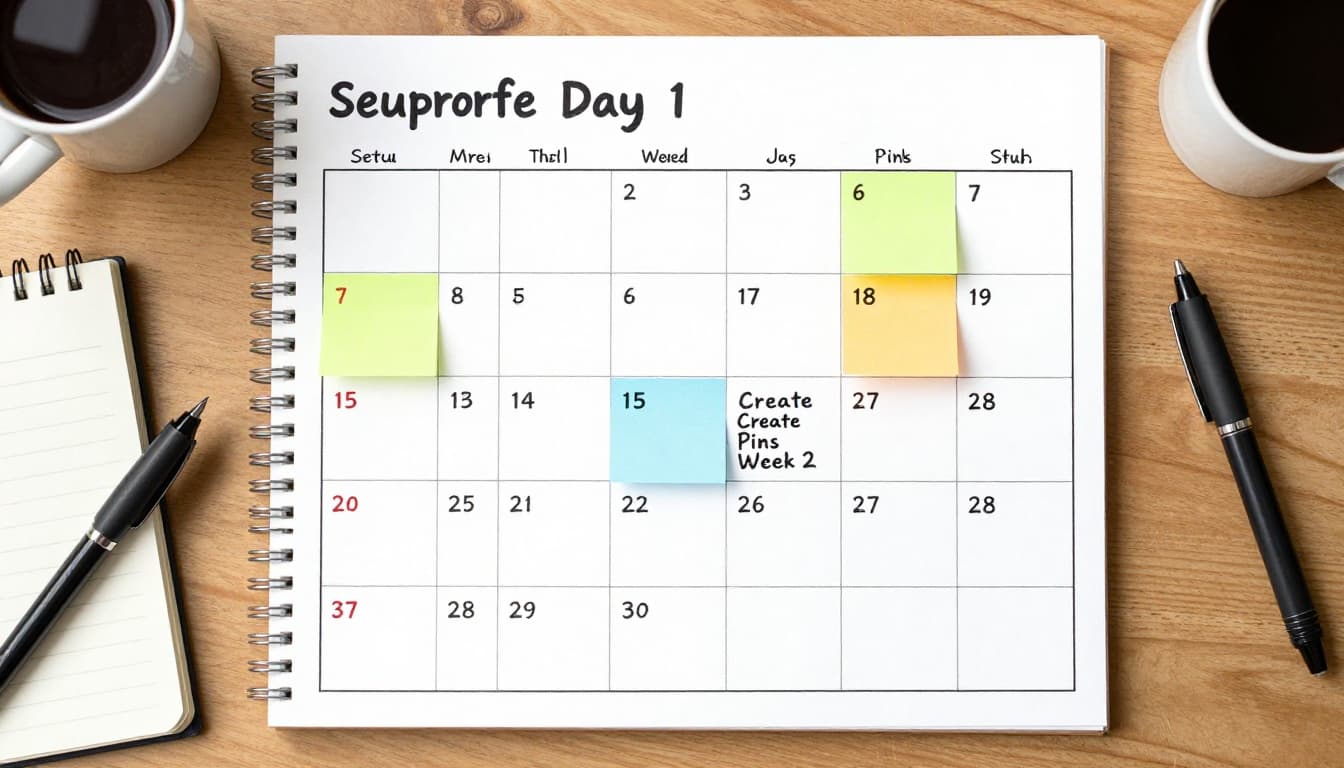
Week 1: Set up and prepare
Set up your business profile, create 5 to 8 boards, and write 3 helpful pages (or posts). Each page should solve one problem and include relevant product recommendations.
Week 2: Create and start pinning
Make 10 to 15 pins for those pages. Then start pinning daily. Keep it light and consistent.
Week 3: Add content and improve organization
Publish 2 more helpful pages. Create fresh pins for old and new pages. If you use group boards, join only 1 to 2 high-quality ones that match your niche. Skip the spammy boards.
Week 4: Review and decide what to repeat
Check analytics. Identify the top topic and double down on it next month. Then plan another batch of pins so you don’t feel rushed.
Pinterest analytics and beginner tracking that tells you what to do next
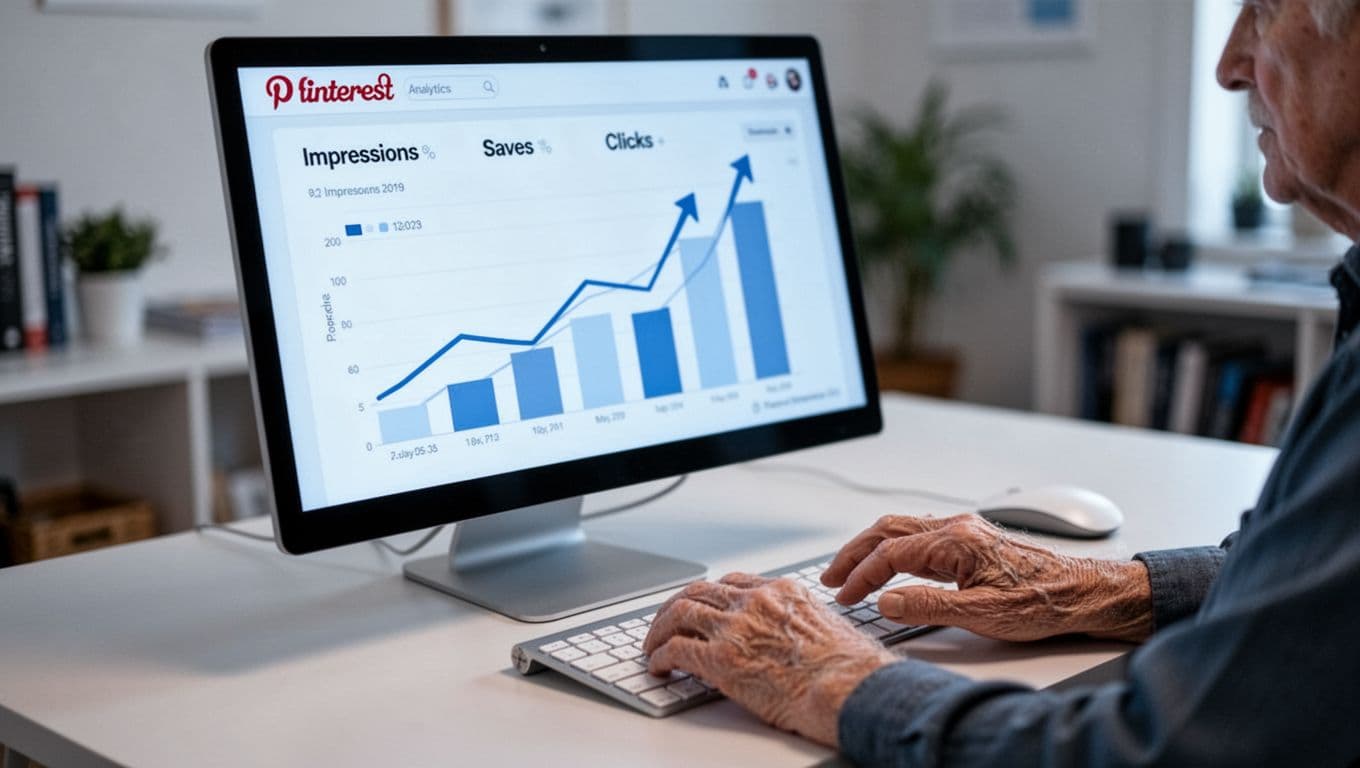
Pinterest metrics in plain English:
- impressions: how often people saw your pin
- saves: people liked it enough to keep it
- outbound clicks: people visited your site (this matters a lot)
- top pins and top boards: where the momentum is coming from
For a deeper explanation of what each metric means and how creators use them, this guide is a solid reference: how to read Pinterest analytics.
Now add basic affiliate tracking:
- Use your affiliate dashboard to check clicks and sales.
- Add UTM parameters to your links (so you know a click came from Pinterest).
- Keep a simple spreadsheet with: date, pin topic, URL, clicks, conversions.
Rule of thumb: judge your progress by outbound clicks and conversions, not impressions alone. A pin can get lots of views and still attract the wrong audience.
FAQs: common questions from beginners over 50
How long does it take to make money with Pinterest affiliate marketing?
Expect 60 to 90 days to see patterns. Some niches take longer, especially on new accounts.
Do I need a blog to start?
A blog helps because you control the content and links. Still, a simple landing page works too.
Can I use Canva to make pins?
Yes. Keep designs simple, readable, and consistent.
How many pins per day should I post?
Start small. Even 1 to 3 pins per day builds consistency without burnout.
Can I do this without showing my face?
Yes. Many accounts use photos, graphics, and checklist-style pins only.
Is Pinterest still worth it in 2026?
Yes, especially for evergreen topics. Pinterest works well when your content answers specific searches.
Do I need an email list?
Not on day one, but it’s useful. An email list gives you repeat traffic without relying on any platform.
Can I pin affiliate links directly?
Sometimes, depending on the program rules and Pinterest policies. Beginners usually do better pinning to their own page first.
What if I’m not good with tech?
Keep it simple. One niche, a few pages, basic pins, and monthly tracking is enough to start.
Conclusion
Starting late can be a gift because you’re less likely to chase nonsense. Pinterest rewards the person who stays focused, posts consistently, and improves one small step at a time.
If you take one action today, make it this: choose one niche, pick one offer, create one helpful page, design 3 pins, then pin daily for 30 days and review what gets clicks. Save this post, come back to the 30-day plan, and keep it steady.